
From craving to doorstep, in four simple steps
PASUGO keeps ordering effortless. Here's the whole flow, from opening the app to your order arriving at your door.
- 1
Browse Buug stores
Open PASUGO and explore local restaurants, groceries, and shops. Search or filter to find exactly what you're craving.
- 2
Build your cart
Add items, choose variations and quantities, and review your order. PASUGO keeps one store per cart so totals stay clear.
- 3
Checkout & confirm
Pick your saved address or drop a map pin, add delivery notes, choose payment, and place your order.
- 4
Track & chat
Watch your rider on the live map, chat for anything they need, and get notified the moment your order arrives.
Track your order in real time
Once your order is accepted, follow it on a live map through every status — accepted, picked up, and out for delivery — with your rider's location and an in-order chat whenever you need it.
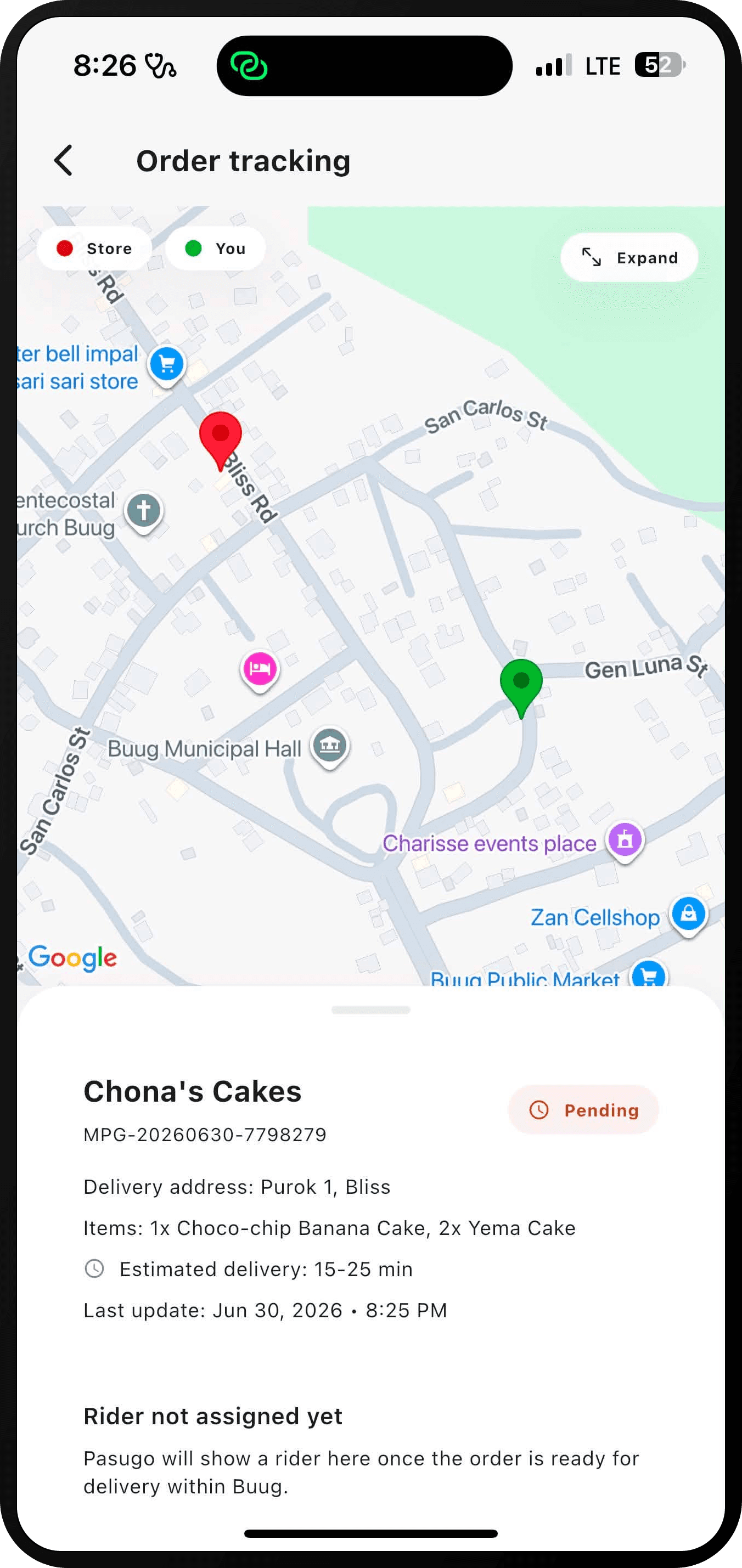
What you'll see while you wait
Your order moves through six statuses, each with its own screen in the app. This is exactly what they mean.
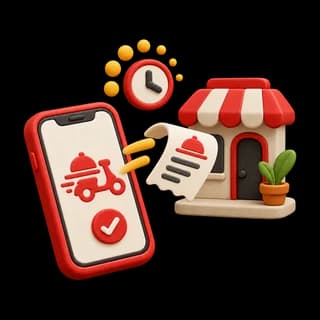
Pending
Your order is in — the store is about to confirm it.
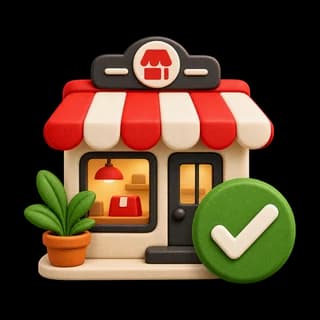
Confirmed
The store accepted your order and is getting started.

Preparing
Your food or goods are being packed for the rider.
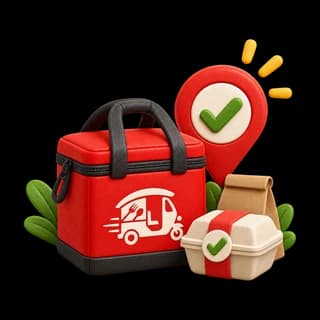
Ready for pickup
Everything is bagged and waiting for a rider to collect.

Out for delivery
Your rider is on the way — follow them live on the map.
Delivered
Handed over at your door. Rate your order when you're ready.
Everything that makes it work
The details that keep every Buug delivery smooth.
Browse local Buug stores
Restaurants, groceries, the public market, and pharmacy — discover every nearby merchant with search, filters, ratings, and delivery estimates.
Live order tracking
Follow your order from accepted to out-for-delivery on a live map, with your rider's location and a clear status timeline.
Chat with your rider
Send a landmark, confirm a gate, or update instructions — message your rider or the store directly inside each order.
Saved addresses & map pin
Drop a pin on the map or pick your barangay, save home and work, and check out in seconds with the right delivery spot every time.
Order protection
Large orders ask for confirmation and duplicate orders are caught automatically — so you only pay for what you meant to order.
Real-time notifications
Get push updates the moment your order is accepted, picked up, and on its way — no need to keep refreshing.
Get PASUGO and order from Buug's best, today.
Download the app, browse local stores, and have your order delivered right to your door — with live tracking the whole way.
Free on iOS and Android — now serving Buug, Zamboanga Sibugay.