
Everything you need to order around town.
From the first tap to the knock on your door, here's every part of the PASUGO app, with the real screens.
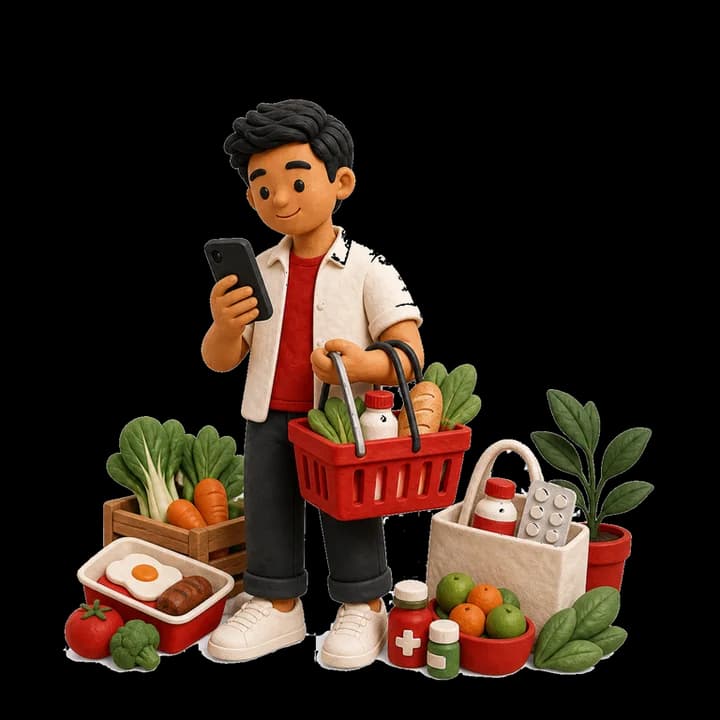
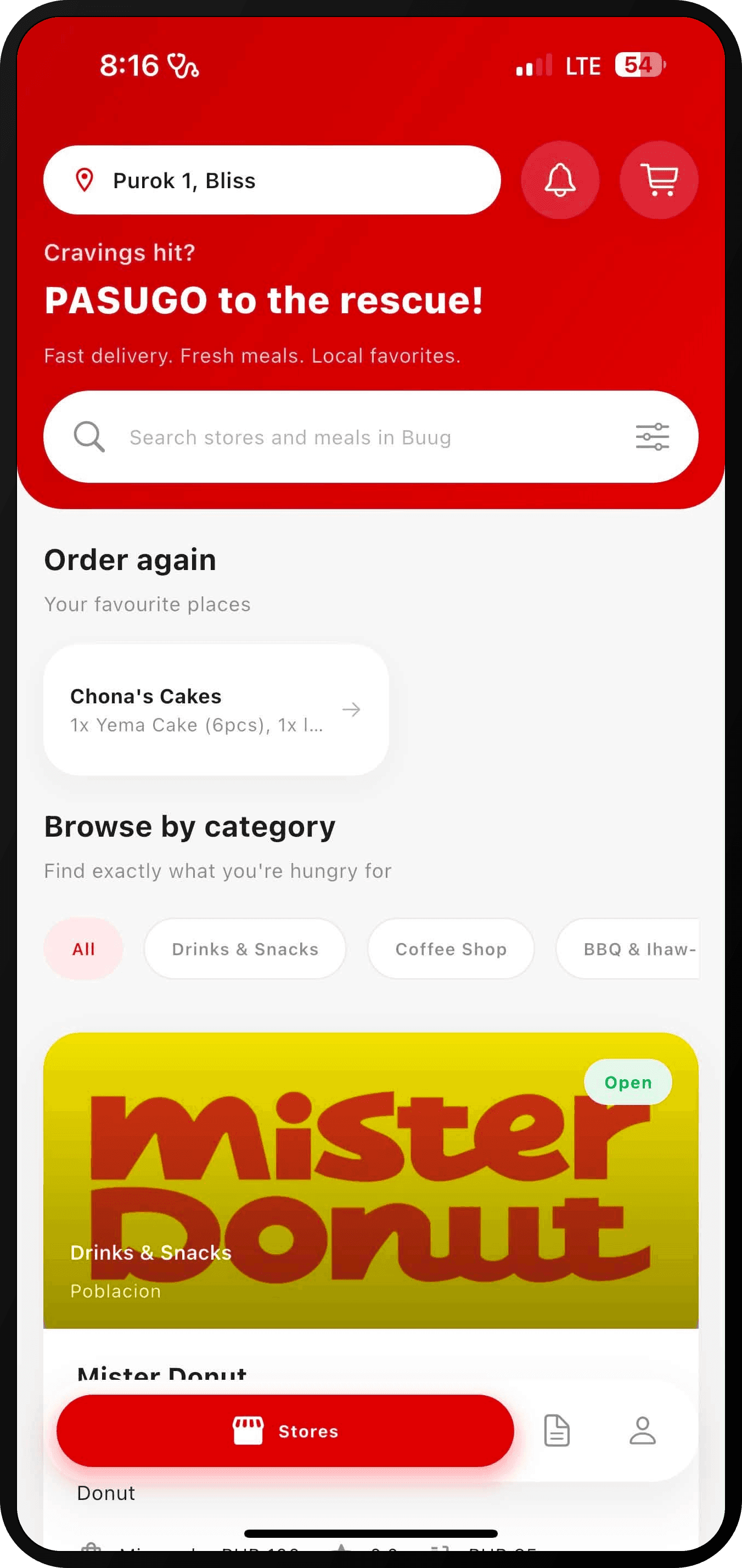
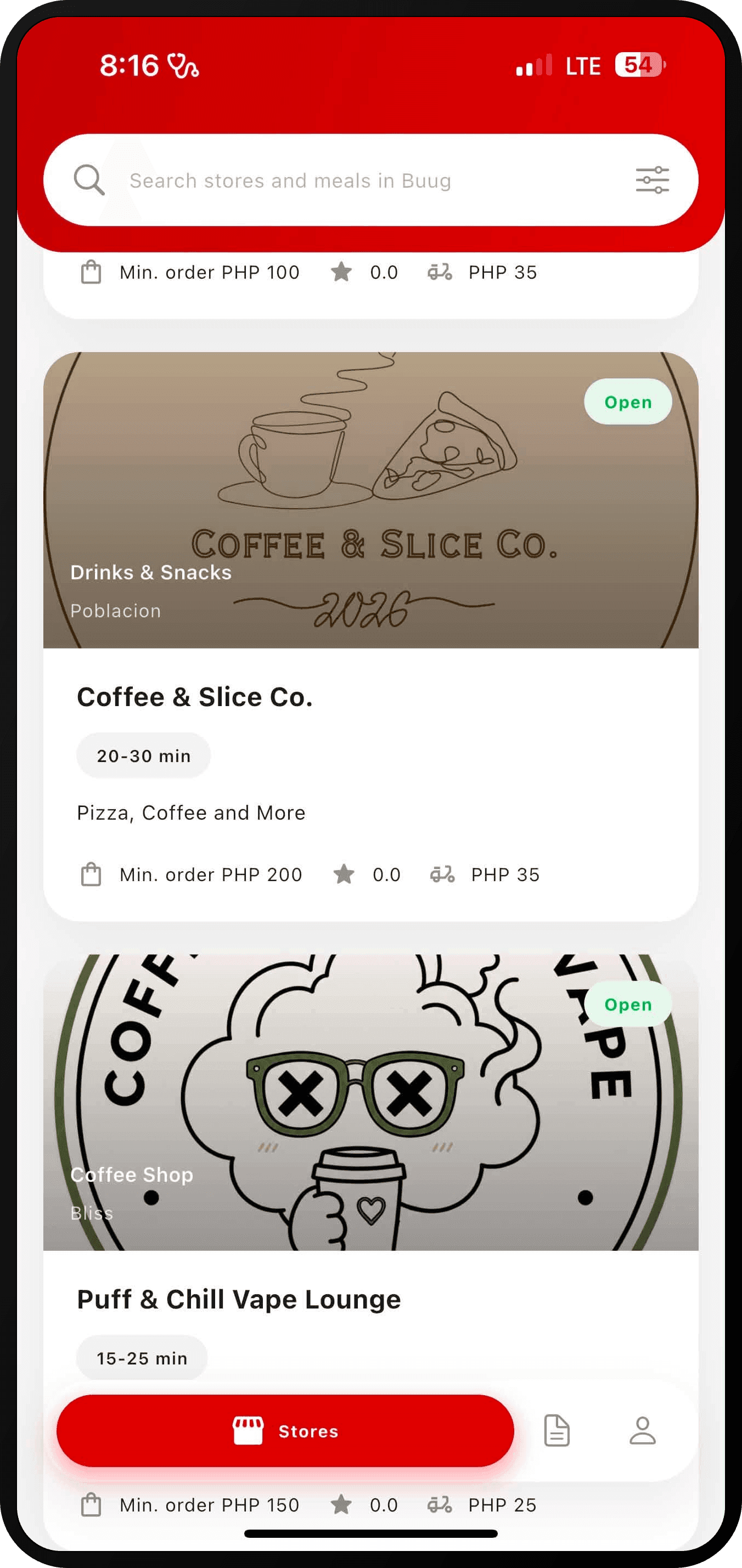
Every store in town, four sections.
Open PASUGO and your town is on your home screen: Food, Groceries, Merkado, and Shops, each filled with stores you already know.
- Food, Groceries, Merkado, and Shops, one tap each
- Search food, groceries, and essentials from the home screen
- Menus with photos and prices, added to your cart in a tap

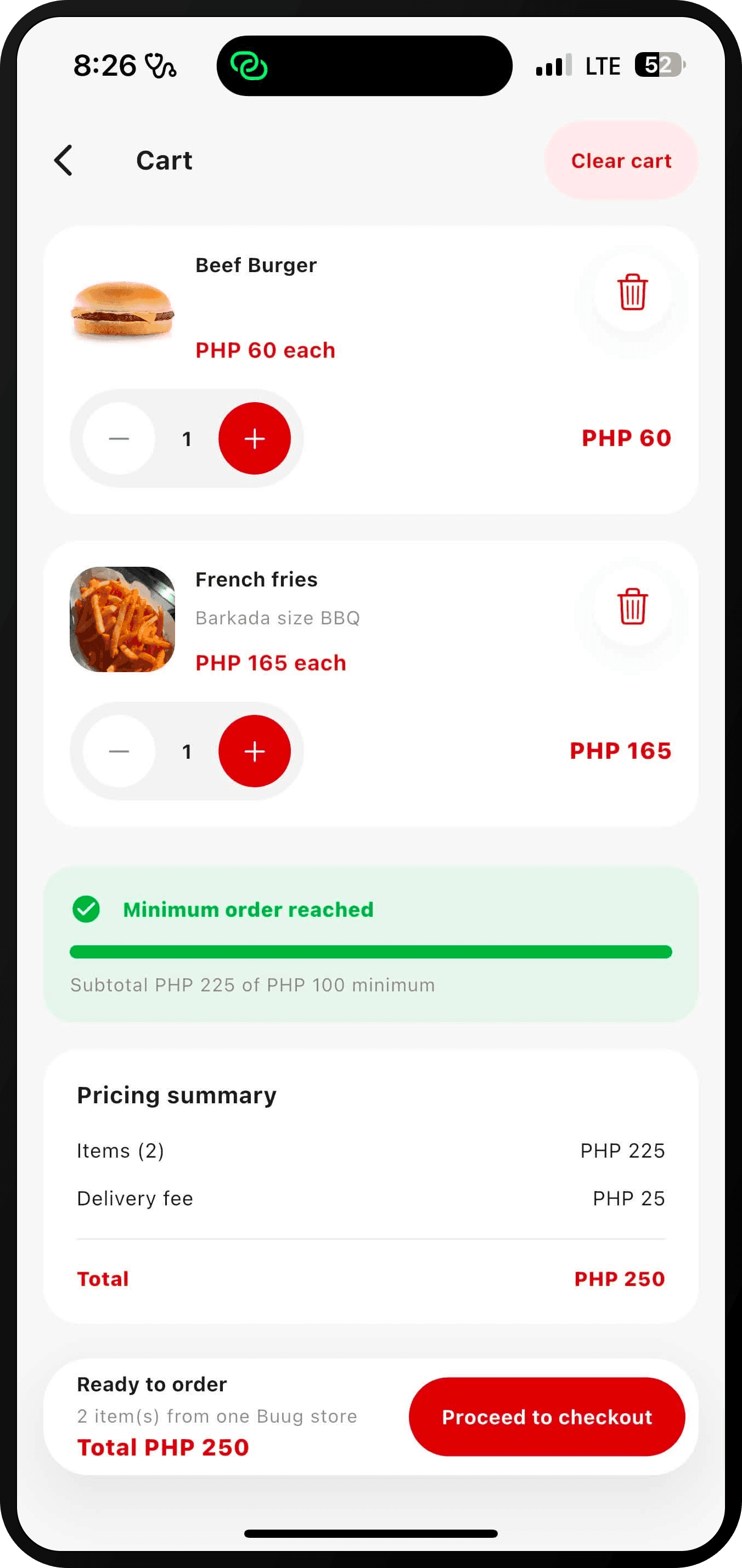
One store per cart, no mix-ups.
Each cart holds one store's items, so your order and your total stay easy to follow.
- Choose delivery, or self pick-up at stores that offer it
- Leave a note for the store
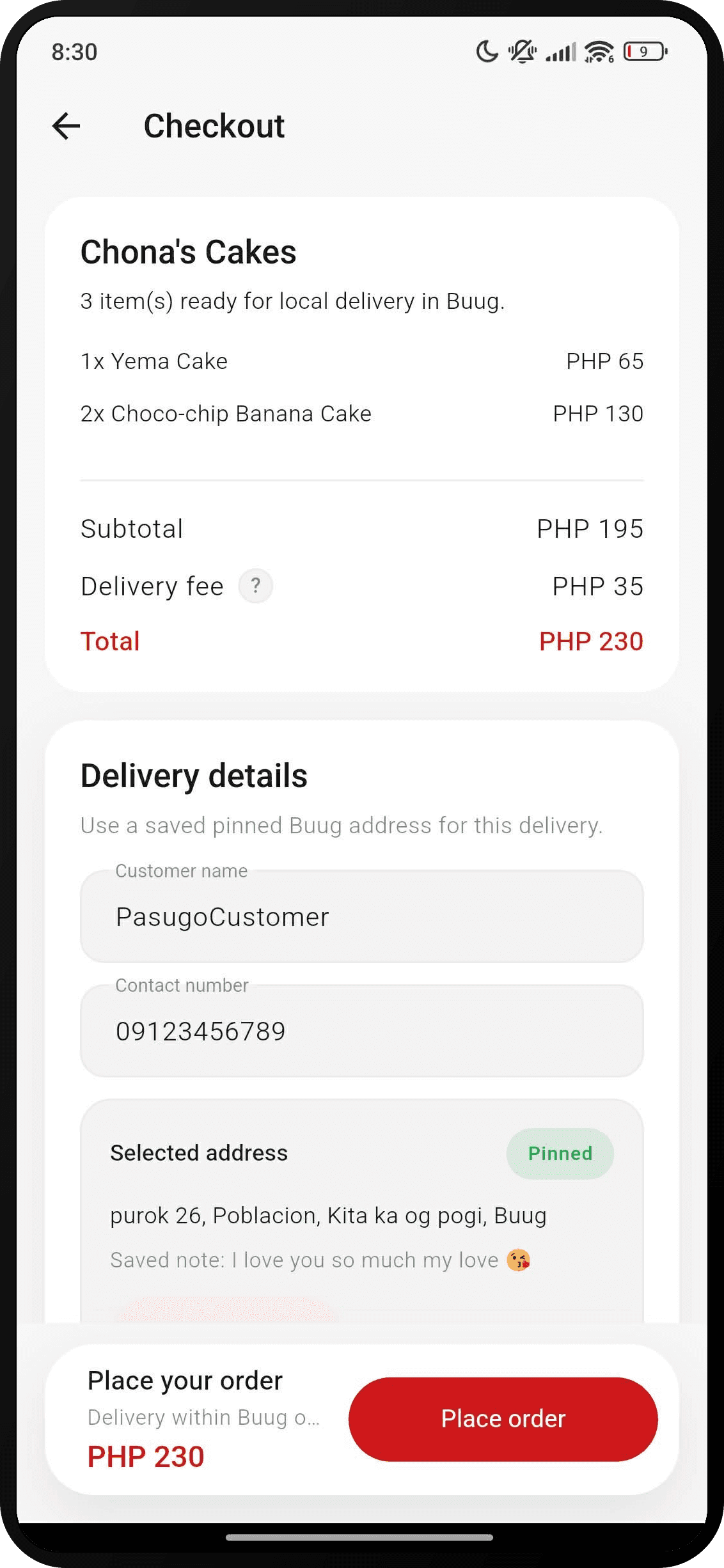
- See the full price breakdown before you check out
Pay your way, GCash or cash.
Pick a saved address, choose how you want to pay, and place your order.
GCash o cash, ikaw ang bahala.
- Saved addresses with a map pin on your exact spot
- GCash: pay, then upload your proof of payment
- Cash on delivery: pay your rider when your order arrives
- Got a store voucher? Paste the code at checkout
Watch it ride to your door.
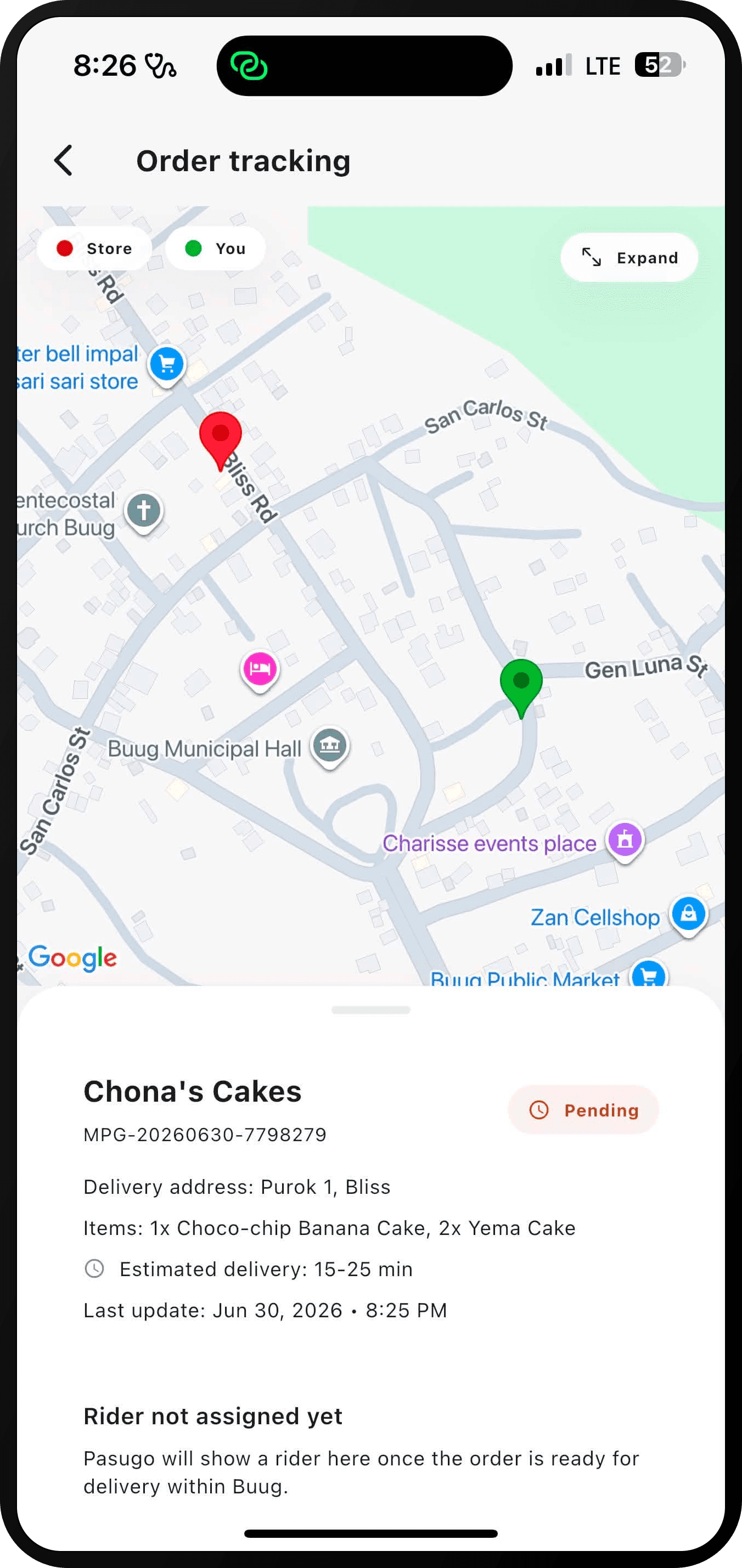
Your order moves through six statuses, from Pending to Delivered. Once it's out for delivery, follow your rider on the live map.
- Push notifications as your order moves along
- Your rider's location on a live map
- Your rider's name and photo on the tracking screen
Message your rider and the store.
Every order has its own chat. Share a landmark, confirm a gate, or ask the store about an item.
- Chat with your rider while they're on the way
- Chat with the store about your order
- Send a photo or share your location
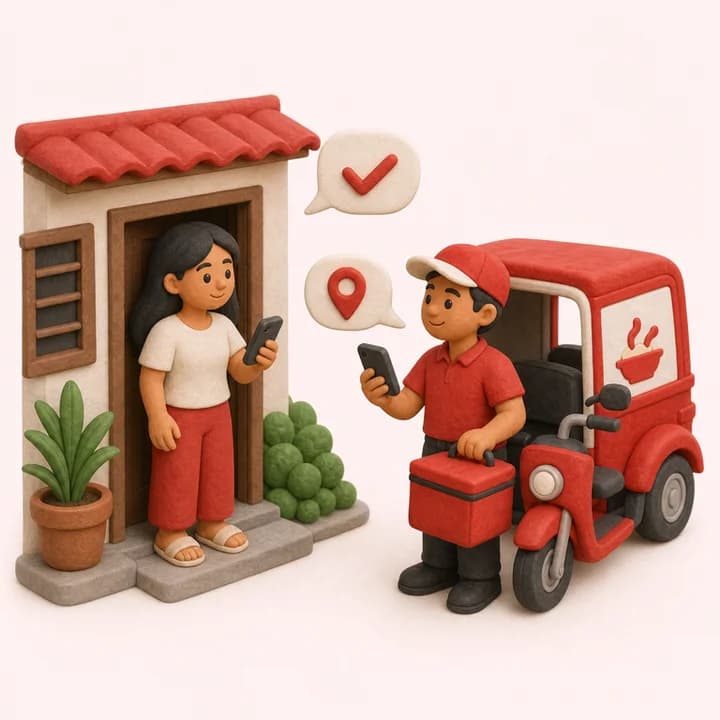
Your usual, one tap away.
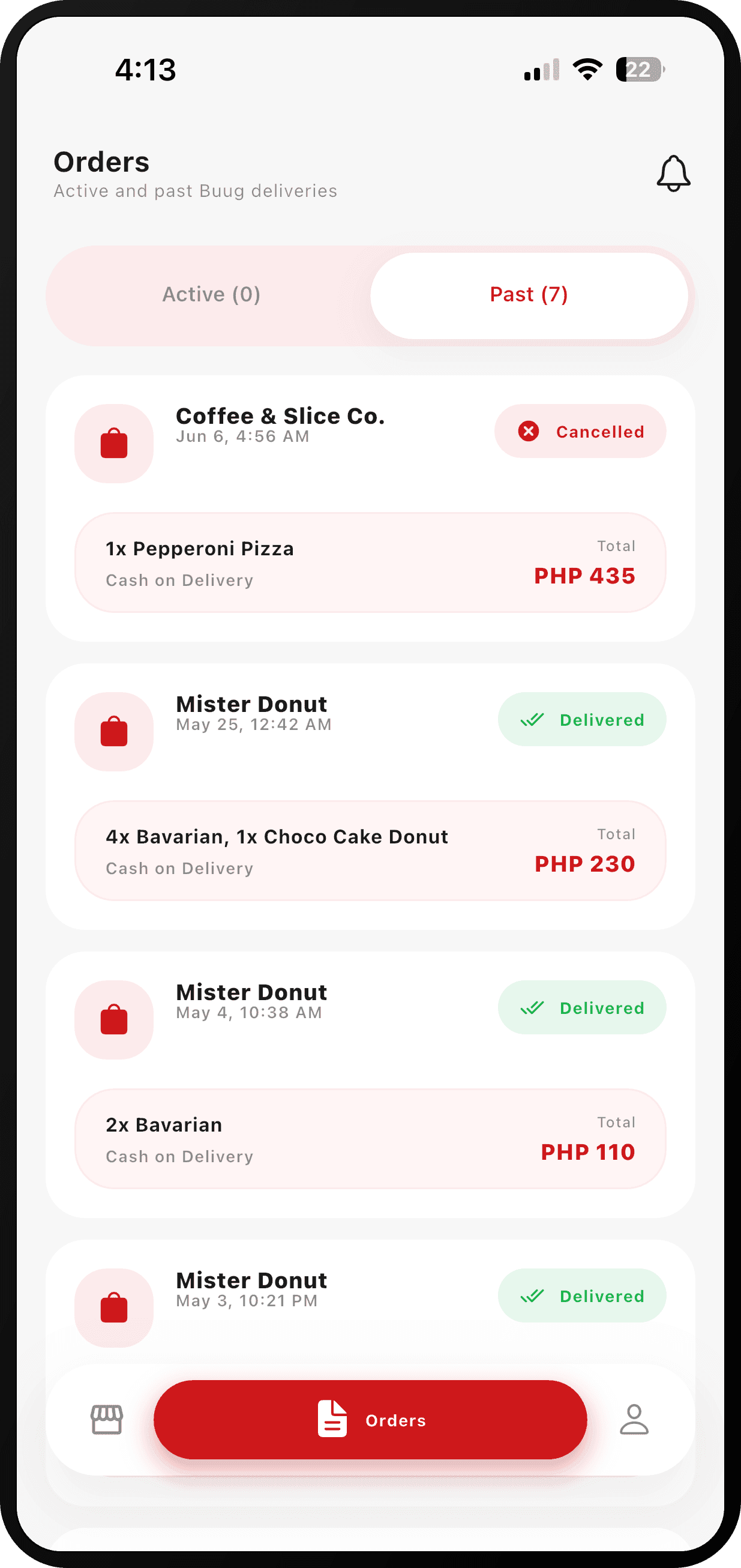
Every order you've placed, active and past, lives in one list with its status and total.
- Order again from the home screen
- Rate the store and your rider after delivery
- Active and past orders, side by side
The whole app, screen by screen.
Real screens from PASUGO, from signing up to your order history.
Swipe to see more
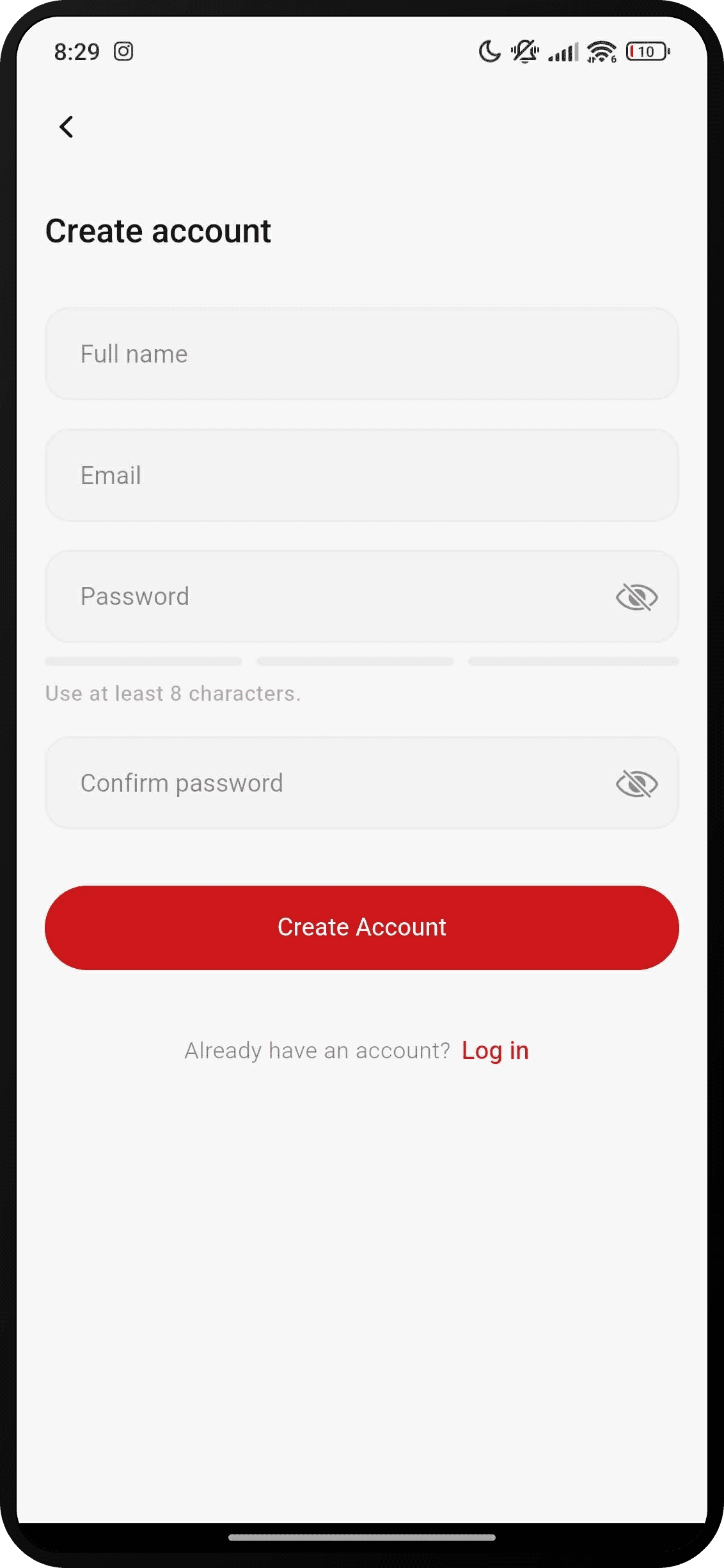
Sign up in seconds to start ordering from local stores.
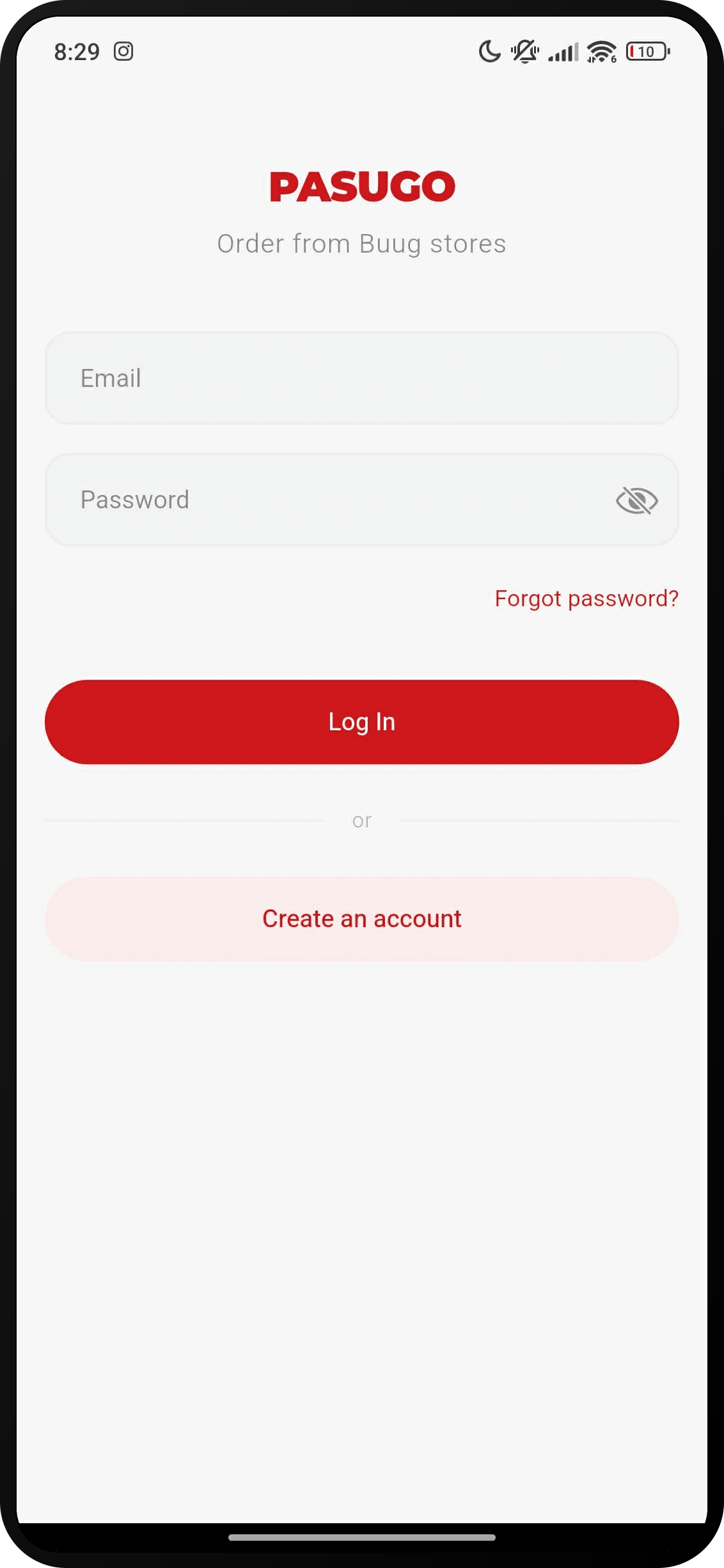
Log in and pick up right where you left off.
Your local home screen: order again, browse by category, and see what's open near you.
See what's popular at each store and add items to your cart in a tap.
Review items and totals before checkout. One store per cart.
Confirm your saved address, review the order, and place it in a tap.
Follow your order on a live map through every status.
Every active and past delivery in one place, with status and totals.
The extras that add up.
Store vouchers
Deals near you
Stores post vouchers in the app. Tap a code, then paste it at checkout.
Push updates
Your phone tells you when the store confirms and when your rider heads out.
Help, every day
Reach PASUGO support from 8 AM to 8 PM, every day.
Padala
Send a parcel across town and beyond. It's on the way.
i-Pasugona.
Download PASUGO, pick a store near you, and watch your order ride to your door.

Scan to download
Point your camera here

Opens pasugoph.com/download on your phone